Protect your hearing.
Without babysitting
your volume.
Volume Shield shows how loud your headphones are and how long you've been listening. It warns you before you go over a safe weekly amount, and it can turn the volume down for you.

Volume Shield
AirPods Pro 2
94dBA
Over your limit
10 min agoNow
86%
7-day allowance
Approaching
About 2 hours left at 85 dBA
Works with any headphones
AirPods, Sony, Bose and more
AirPods, Sony, Bose and more
Works with every app
Spotify, YouTube, Zoom, games
Spotify, YouTube, Zoom, games
Turns it down for you
Never turns it up
Never turns it up
No mic. No cloud.
Everything stays on your Mac
Everything stays on your Mac
01What's at stake
By the time you notice,
it's too late.
Loud headphones damage your hearing slowly and silently. You won't feel it happening. And once your hearing is gone, nothing brings it back.
Not sure you need Volume Shield?
Two questions. Ten seconds. Measured against the WHO safe-listening limit.
What too much listening costs you
- Tinnitus
- A ringing in your ears that can last the rest of your life.
- Permanent hearing loss
- No surgery, pill or hearing aid gives it back.
- Higher dementia risk
- The WHO lists hearing loss as a risk factor for dementia.
- Isolation
- Missing what people say, until you stop joining in.
02How the damage builds
It’s not just
how loud.
It’s how long.
Damage builds over hours, not seconds. A volume that feels fine in the morning can use up a whole week's safe listening by evening, and you won't feel a thing.
Learn about the risk85 dBA guide
Your weekly safe-listening allowance
114%used in one day
Going over your weekly allowance raises the risk of permanent hearing damage.
03Your Mac doesn’t know the whole story
50% isn’t a
volume level.
It’s a slider position.
50% on AirPods and 50% on over-ear headphones can be very different volumes. And your Mac has no idea you've been listening since breakfast.
WHAT macOS SHOWSJust a volume setting.
50%
- Not a measurement of loudness (dBA)
- The same percentage can sound different across headphones, apps, and audio
- Doesn’t track how long you’ve been listening
WHAT VOLUME SHIELD KNOWSHow loud and how long.
04Volume Shield in action
Track.
Warn.
Turn it down.
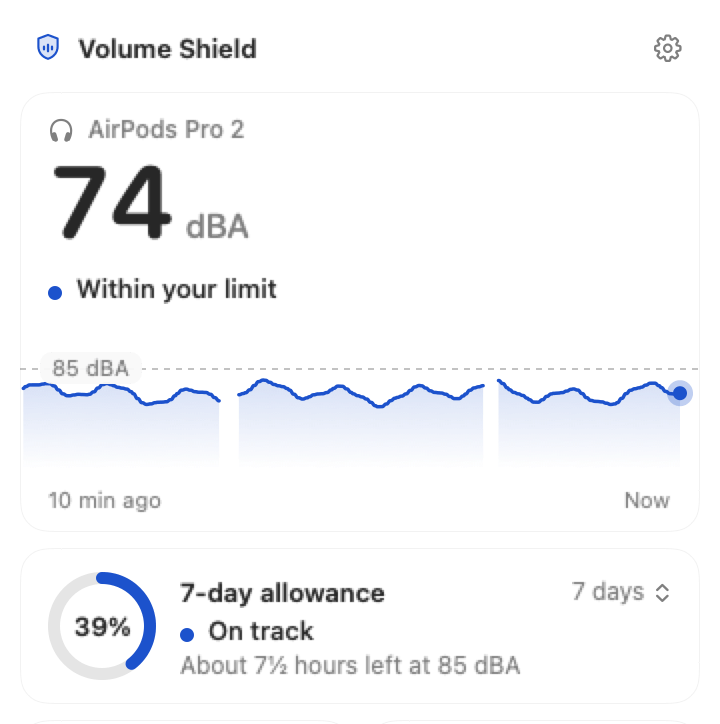
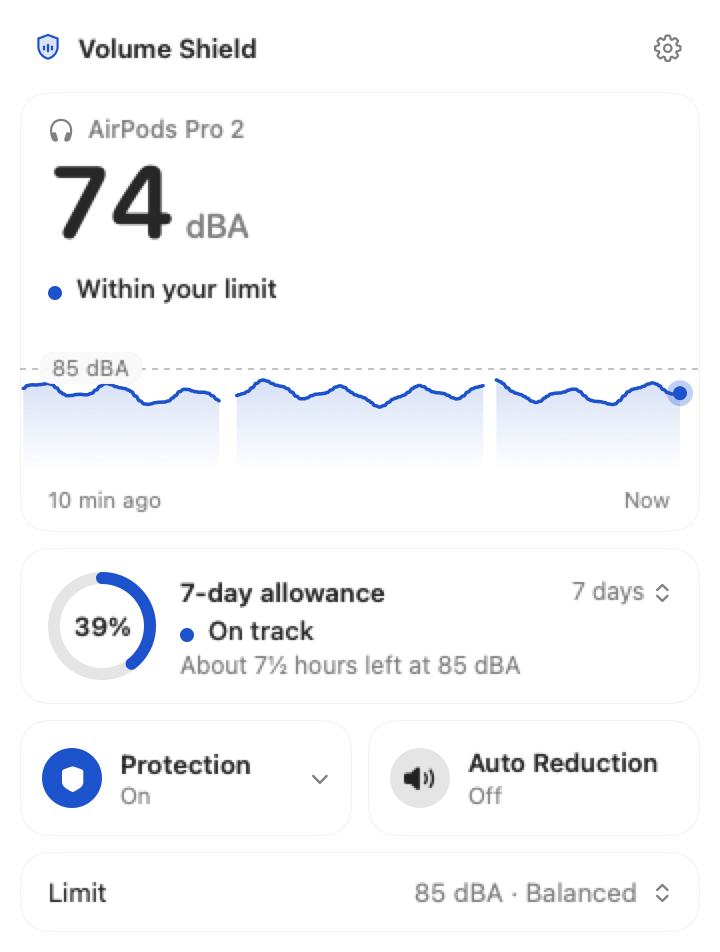
Volume Shield sits in your menu bar and keeps count while you listen. When it's been too loud for too long, it tells you. If you let it, it turns things down for you.
See the automatic turn-down1. Track
Lives in your menu bar. Nothing to open, nothing to remember.
2. Warn
A clear heads-up when you're close to your weekly allowance.
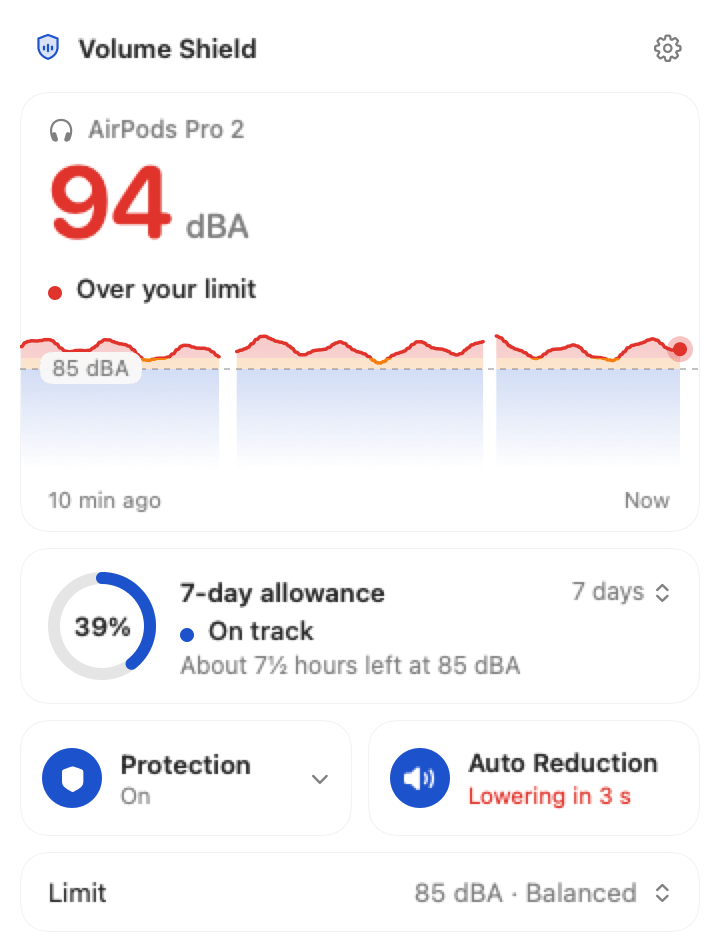
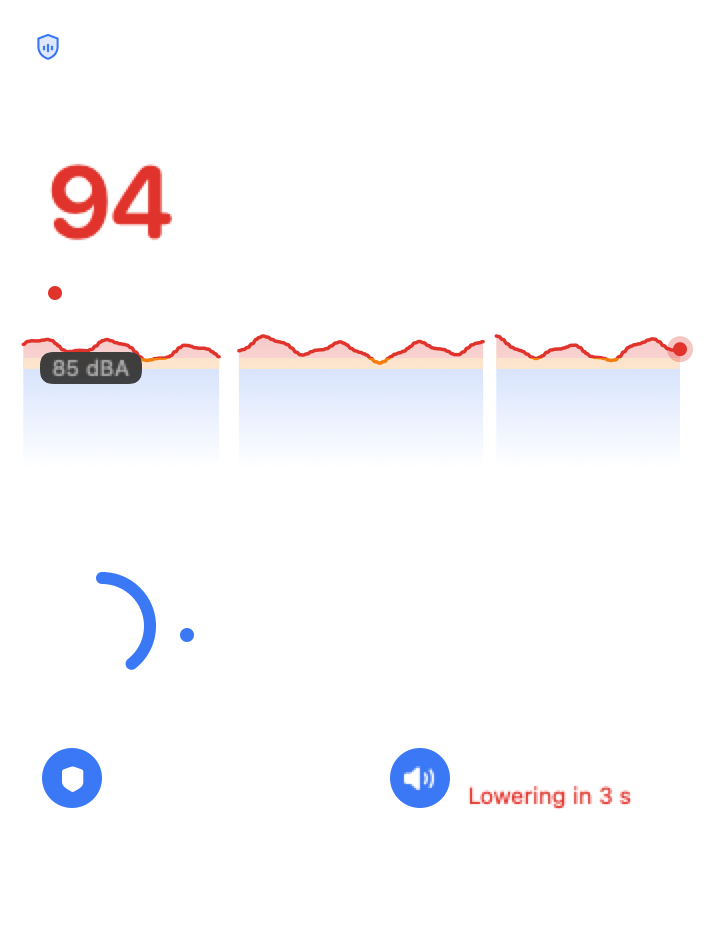
3. Turn it down
Lowers the volume a little at a time. Never turns it up.
05Automatic Volume Reduction
If it stays too loud,
Volume Shield
turns it down for you.
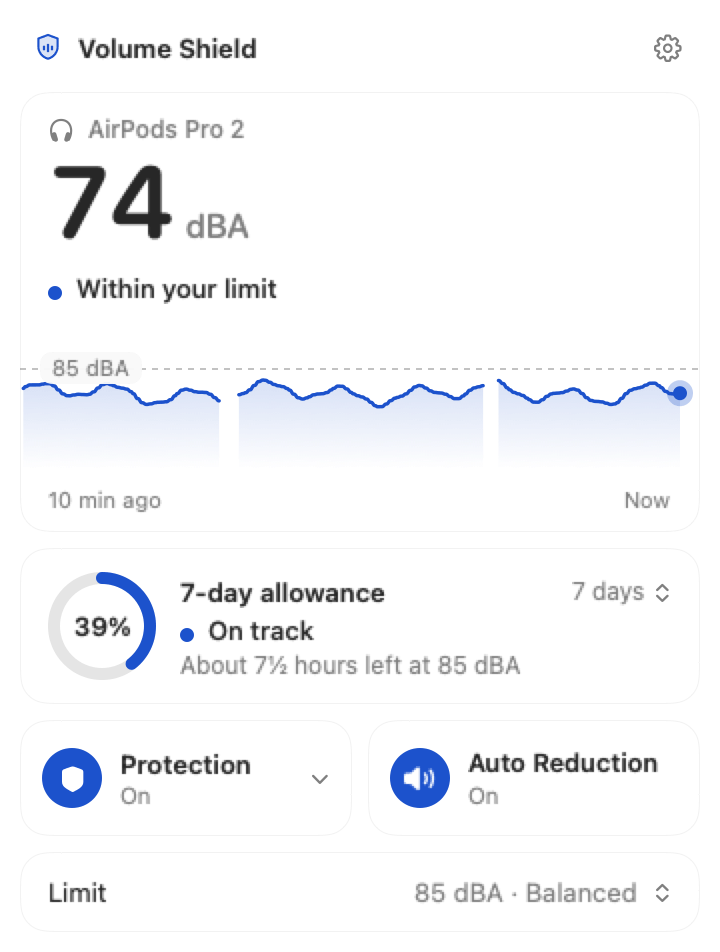
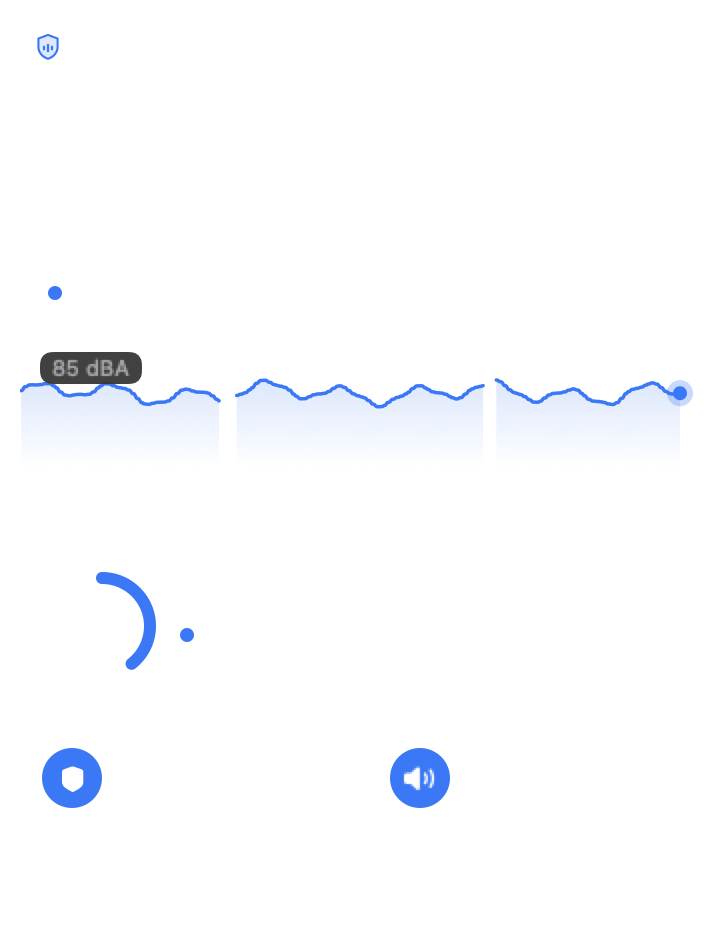
When your listening stays above the limit you set, Automatic Volume Reduction lowers the volume a little at a time. No sudden drops, and it never turns anything up. You can switch it off or undo it from the menu bar.
High volume detectedSustained high listening
Auto Reduction activeGradually lowers output
A safer listening experienceLower sustained level
Illustrative example.
06Privacy
Your audio stays
on your Mac.
Volume Shield analyzes sound on your Mac as it plays. It doesn't use your microphone, doesn't save any audio, and never uploads your listening history.
Our privacy commitmentYour Mac
Audio analyzed locally
Exposure history stored here

Volume Shield
Tracks level and time
Never saves audio
Nowhere else
No cloud audio
No uploaded listening history
07Questions
Before you buy.
Still deciding? Here's what people ask most. There's more on the support page, and you can look up your headphones.
Will it work with my headphones?
Yes. Volume Shield works with any headphones you plug in or pair with your Mac. It has dedicated profiles for 100 popular models from Apple, Beats, Sony, Bose, Sennheiser, JBL, Samsung and more, and it recognizes most of them automatically.
Does it work with Spotify, YouTube, Zoom and games?
Yes. It follows everything your Mac plays through your headphones: music apps, browsers, video calls and games. There's nothing to set up for each app.
What about my Mac's speakers?
Volume Shield is built for headphones, where the sound is right at your ears. When you switch to speakers it pauses, and it picks up again as soon as your headphones are back.
How does it know how loud my headphones are?
It combines what your Mac is playing, your volume setting and the profile for your headphones, then calculates the level in dBA, the unit hearing guidelines use. It doesn't need your microphone.
Will it change my volume without asking?
You choose during setup. With Automatic Volume Reduction on, it lowers the volume gradually after long, loud listening and never raises it. You can undo a reduction or switch it off from the menu bar at any time.
Is it a subscription?
No. It's $29.99 once, with lifetime access on one Mac. If it's not for you, you're covered by a 7-day money-back guarantee.
08Get Volume Shield
Set it once.
Stop checking
your volume.
There's no fix for lost hearing. Hearing aids help, and they can cost thousands. Volume Shield costs $29.99, once, and keeps watch every time you put your headphones on.
$29.99
- One-time purchase
- No subscription
- 7-day money-back guarantee
- macOS Sequoia 15 and later
Sources & product notes
NIDCD / NIH—Noise-induced hearing loss World Health Organization—Safe listening WHO–ITU safe listening standard (80 dBA, 40 hours a week) World Health Organization—Dementia World Health Organization—Deafness and hearing loss
Listening levels are calculated from your Mac's audio output, volume setting and headphone profile, and are estimates for personal use. Volume Shield isn't a medical device or hearing test. Example values on this page are illustrative.